Staying safe on Hauslet
What Hauslet checks and protects when you book, rent, buy or list, the red flags to watch for and what to do if something feels wrong.
Hauslet Team ·
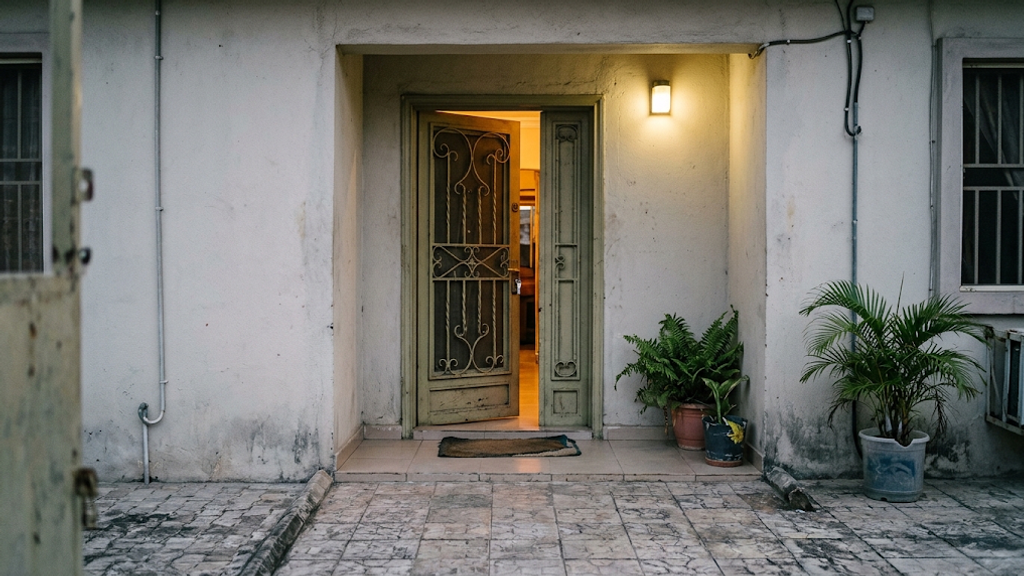
Most problems in property start the same way: money or personal details change hands before anyone checks who is on the other side. This guide explains what Hauslet does to keep guests, tenants, buyers and hosts safe, where those protections stop and what you can do yourself.
What Hauslet does
- Hosts verify their ID. Every host must verify a government-issued ID before a listing can go live, and before they can be paid out to a personal bank account. Look for Identity verified on the host's profile on the listing page. See the host standards.
- New listings are reviewed. A new listing shows Pending Review while Hauslet checks it, and it goes live only once it's approved.
- Some listings have a property check. A Property verification section on the listing shows what was checked, such as Location and photos checked. Many genuine listings don't have it yet. Read how verification works.
- The map shows an area, not a pin. Listing pages show only an approximate area, never the street address or the exact pin.
- Shortlet addresses stay private until close to check-in. On a confirmed shortlet booking, the exact address, check-in instructions, Wi-Fi and access codes unlock 48 hours before check-in. Your booking shows the date they unlock.
- Shortlet payments go through Hauslet. When you book a shortlet, Hauslet takes the payment and holds the host's share until the stay is complete. That's what makes refunds and disputes possible. Read the payments terms and refunds and disputes for the exact rules.
- Reviews come from real stays. A review can only be left for a completed booking, by someone who was part of it.
- You can report and block. You can report listings, profiles and conversations, and in the app you can block someone so neither of you can message the other. Here's how to report a concern.
Red flags
- Someone asks you to pay for a shortlet by bank transfer, cash or another app instead of booking on Hauslet.
- A host asks for extra cash on arrival, such as a key fee or a charge that wasn't on the listing.
- An agent asks for an "inspection fee" or a deposit before you've seen the place.
- The account you're asked to pay into doesn't match the name of the landlord, agent or agency.
- You're pushed to pay fast because "other people are paying today".
- The photos don't match the place, or the price is far below similar homes in the area.
- Someone moves the conversation to WhatsApp or a phone call before you've checked who they are.
- A "landlord" can't show any document that proves they can let or sell the property.
For more patterns and how to check them, read avoiding rental scams.
What to do instead
- Book shortlets on Hauslet. Pay through the booking flow so the payment, the booking and the refund rules stay in one place.
- Keep messages on Hauslet. Agree terms in your Hauslet conversation, so there's a record if anything is disputed later.
- See the place before you pay for a rental or a home. On the listing, select Schedule Inspection to arrange a time with the host, or send someone you trust to see it.
- Check who you're paying. The name on the account should match the landlord, agent or agency. Ask for a receipt for every payment.
- Read the agreement before you pay any fees. That includes the caution fee, a refundable deposit held against damage. Ask how and when it's returned.
- Protect your details. Never share your card number, PIN, one-time passcode (OTP) or bank login in a message or support ticket.
If you're a host
- Choose who can book (shortlets). In your listing's Booking settings you can choose Request to book, which lets you approve each request before the guest pays. You can also require guests to have a Government ID or a Verified phone.
- Keep bookings and payments on Hauslet. Your earnings are paid to a verified bank account. See host payouts.
- Keep your terms in the thread. For rentals and sales, record what you agree in your Hauslet conversation.
If something goes wrong
If you feel unsafe right now, contact the police or local emergency services first.
Then tell us. You can report a listing, a person or a conversation, or open a support ticket with the Safety category. If something went wrong with a shortlet you booked, you can file a dispute from your booking until 14 days after checkout. Report a concern walks through every option, step by step.
You can also email hello@hauslet.com. Read the acceptable use policy to see what isn't allowed on Hauslet.
Questions
Does Identity verified mean the property is checked too?
No. It means the host has verified their government ID. A property check shows separately, in the listing's Property verification section. Either way, view a rental or a home for sale before you pay.
Why can't I see the exact address of a shortlet?
To protect hosts and their homes. The exact address and check-in details unlock in your booking 48 hours before check-in.
Can Hauslet get my money back for a rental?
Hauslet doesn't handle payments for rentals or sales, so it can't refund them. For shortlets booked on Hauslet, refunds follow the booking terms and refunds and disputes.
What happens when I block someone?
Blocking is in the app. Neither of you can send new messages in any conversation you share, and those threads are archived and muted for you. Existing bookings stay in place, and you can still contact Hauslet support.
Want to know exactly where each report button is? Read Report a concern.
Hauslet Team
Hauslet
The people building Hauslet.